




• Mzl
  • Mzm
  • Mzm
  • Mzi
  • Mzi
  • Mzl
  • Mzm
  • Mzl
  • Mzm
  • Mzm
  • Mzi
  • Mzm
  • Mzm
  • Mzm
  • Mzm
  • Mzi
  • Mzm
  • Mzl
  • Mzm
  • Mzm
  • Mzm
  • Mzm
  • Mzm
  • Mzl
  • Mzm
  • Mzm
  • Mzl
  • Mzl
  • Mzm
  • Mzl
  • Mzi
  • Mzi
  • Mzi
  • Mzl
  • Mzi
  • ?1332962876
  • Mzm
  • Mzm
  • Mzl
  • Mzm
  • Mzi
  • Mzi
  • Mzi
  • Mzm
  • Mzl
  • Mzi
  • Mzi
  • Mzm
  • Mzl
  • Mzm
  • Mzi
  • Mzi
  • Mzm
  • Mzi
  • Mzm
  • Mzi
  • Mzi
  • Mzi
  • Mzi
  • Mzm
  • Mzl
  • Mzi
  • Mzm
  • Mzi
  • Mzm
  • Mzm
  • Mzi
  • Mzi
  • Mzi
  • Mzi
  • Mzm
  • Mzl
  • Mzi
  • Mzl
  • Mzl
  • Mzi
  • Mza_5021665234750768192
  • Mzi
  • Mzi
  • Mzl
  • Mzi
  • Mzi
  • Mzi
  • Mzm
  • Mzl
  • Mzi
  • Mzm
  • Mzm
  • Mzi
  • Mzi
  • Mzi
  • Mzl
  • Mzi
  • Mzi
  • Mzl
  • Mzm
  • Mzl
  • Mzm
  • Mzi
  • Mzl
  • Mzl
  • Mzm
  • Mzm
  • Mzl
  • Mzi
  • Mzm
  • Mzm
  • Mzm
  • Mzm
  • Mzm
  • Mzi
  • Mzm
  • Mzi
  • Mzm
  • Mzi
  • Mzi
  • Mzm
  • Mzl
  • Mzm
  • Mzm
  • Mzi
  • Mzl
  • Mzl
  • Mzi
  • Mzi
  • Mzl
  • Mzm
  • Mzi
  • Mzm
  • Mzl
  • Mzm
  • Mzi
  • Mzi
  • Mzi
  • Mzm
  • Mzm
  • Mzi
  • Mzm
  • Mzm
  • Mzm
  • Mzl
  • Mzl
  • Mzm
  • Mzi
  • ?1332962876
  • Mzm
  • Mzm
  • Mzm
  • Mzm
  • Mzm
  • Mzm
  • Mzl
  • Mzm
  • Mzm
  • Mzm
  • Mzm
  • Mzl
  • Mzm
  • Mzl
  • Mzi
  • Mzl
  • Mzl
  • Mzm
  • Mzm
  • Mzi
  • Mzm
  • Mzm
  • Mzm
  • Mzm
  • Mzi
  • Mza_3057287287511225857
  • Mzm
  • Mzi
  • Mzi
  • Mzi
  • Mzi
  • Mzl
  • Mzi
  • Mzi
  • Mzm
  • Mzi
  • Mzi
  • Mzi
  • Mzi
  • Mzi
  • Mzi
  • Mzi
  • Mzl
  • Mzi
  • Mzm
  • Mzm
  • Mzl
  • Mzm
  • Mzl
  • Mzl
  • Mzi
  • Mzm
  • Mzi
  • Mzi
  • Mzm
  • Mzl
  • Mzi
  • Mzl
  • Mzi
  • Mzi
  • Mzi
  • Mzl
  • Mzi
  • Mzi
  • Mzi
  • Mzl
  • Mzi
  • Mzm
  • Mzi
  • Mzl
  • Mzm
  • Mzm
  • Mzl
  • Mzm
  • Mzi
  • Mzl
  • Mzm
  • Mzl
  • Mzm
  • Mzm
  • Mzl
  • Mzm
  • Mzl
  • Mzm
  • Mzl
  • Mzl
  • Mzl
  • Mzm
  • Mzl
  • Mzm
  • Mzm
  • Mzl
  • Mzi
  • Mzl
  • Mzi
  • Mzm
  • Mzi
  • Mzi
  • Mzi
  • Mzm
  • Mzm
  • Mzi
  • Mzi
  • Mzm
  • Mzm
  • Mzi
  • Mzi
  • Mzm
  • Mzm
  • Mzl
  • Mzm
  • Mzm
  • Mzi
  • Mzm
  • Mzi
  • Mzl
  • Mzm
  • Mzm
  • Mzm
  • Mzm
  • Rm0zgrftcp9icqv0gchxam-temp-upload
  • Cga279tmdfhwbu57p8puy0-temp-upload
  • Mzm
  • Mzm
  • Ibf5hwabn7txjhkhuujxxg-temp-upload
  • Qf4qo26q5txxixfeh7mgc0-temp-upload
  • Qf4qo26q5txxixfeh7mgc0-temp-upload
  • Lyktec3atbmk3ymdckhrl0-temp-upload
  • Tinbwfdvkfjai2kth3susg-temp-upload
  • 94zhxjksv22ftxwktqiqiw-temp-upload
  • K7le8to2r6bfus0eap9hy0-temp-upload
  • Zqn9dbo9nidpzvgm3xaa4w-temp-upload
  • K7le8to2r6bfus0eap9hy0-temp-upload
  • Gqglpmuarpalva05sotr2w-temp-upload
  • Ysqxjdfmguot7dpigiwmvm-temp-upload
  • Nwgbogfdmbx20xb2dgxbzm-temp-upload

As of right now, our apps have 306,806 total downloads, and counting!
Join the hundreds of dealers who already have the DealerAppVantage and sign up today!

Why have a mobile app for your dealership?

What better way to reach your existing and potential new customers, everyday 24/7, in a non-intrusive manner.  This is one of the most powerful marketing breakthroughs of our day.

Provide a faster and easier way for the customer to contact you, schedule service, get quotes on vehicles, or view your specials. Keep them engaged with rich Push Notifications, real integrated inventory, and a 'Toolbox' full of useful utilities that will keep them coming back for more.

This is not a mobile website, but an application your customer installs on their device. It's faster, better looking, and provides more functionality over a mobile site by utilizing the devices vast array of features including: Location Services, Maps, Local & Push Notifications and rich graphics!

No Advertising from us, ever. Several design choices to choose from as well as an array of customization options, including the ability to design all your own graphics. We go to great lengths to make sure that your app doesn't look like anyone else's.

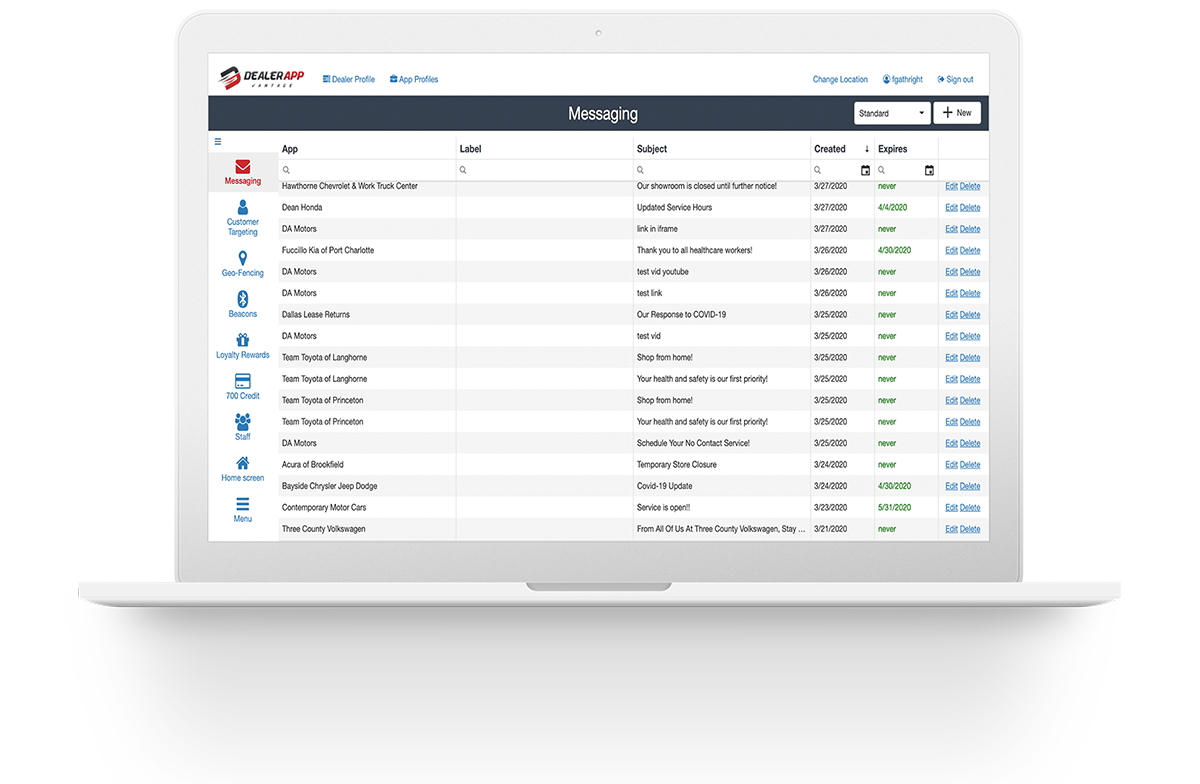
We professionally design each application for your dealership and constantly improve it to provide your customers with the best possible experience. Download statistics and more are also available on our DevCenter where you can log in and manage your app.

Pro Edition Features

All the same great features you've come to love from the original DealerApp, plus so much more. Take a few moments and explore all the new features that DealerApp Vantage Pro has to offer!

The Home ScreenNext Feature: The Toolkit →

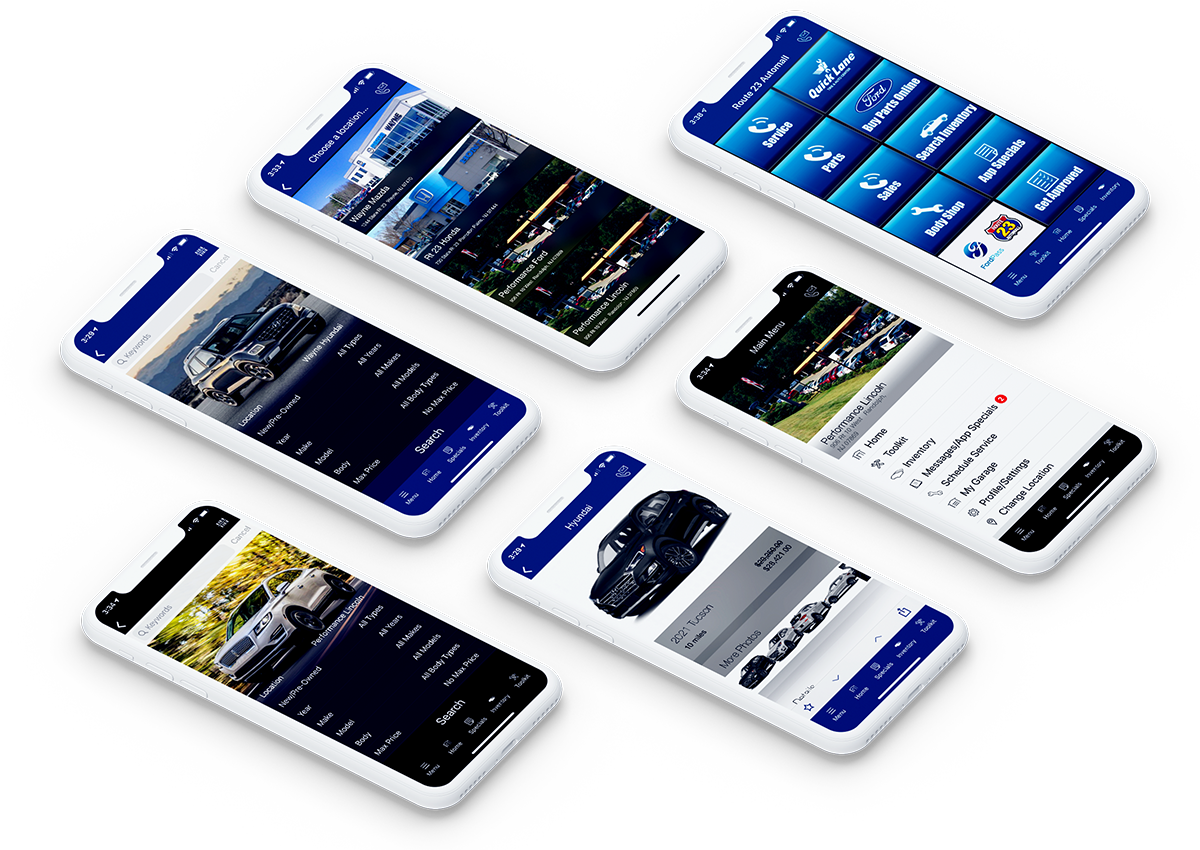
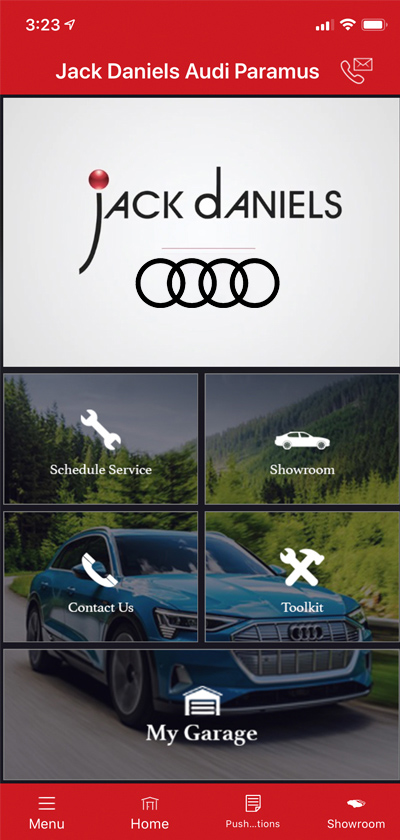
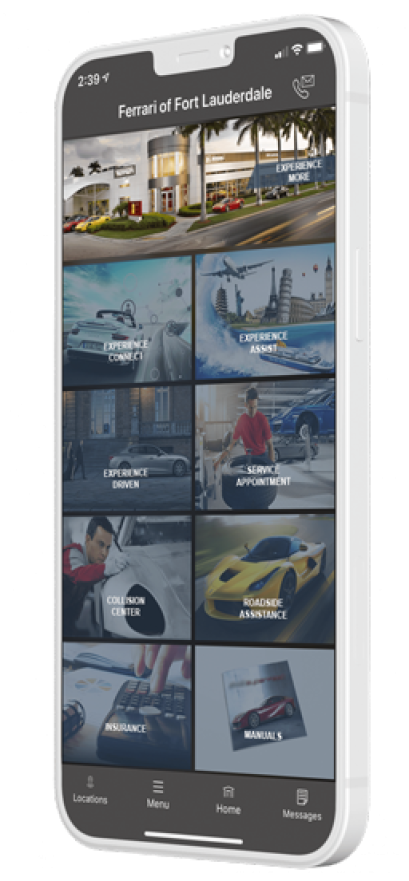
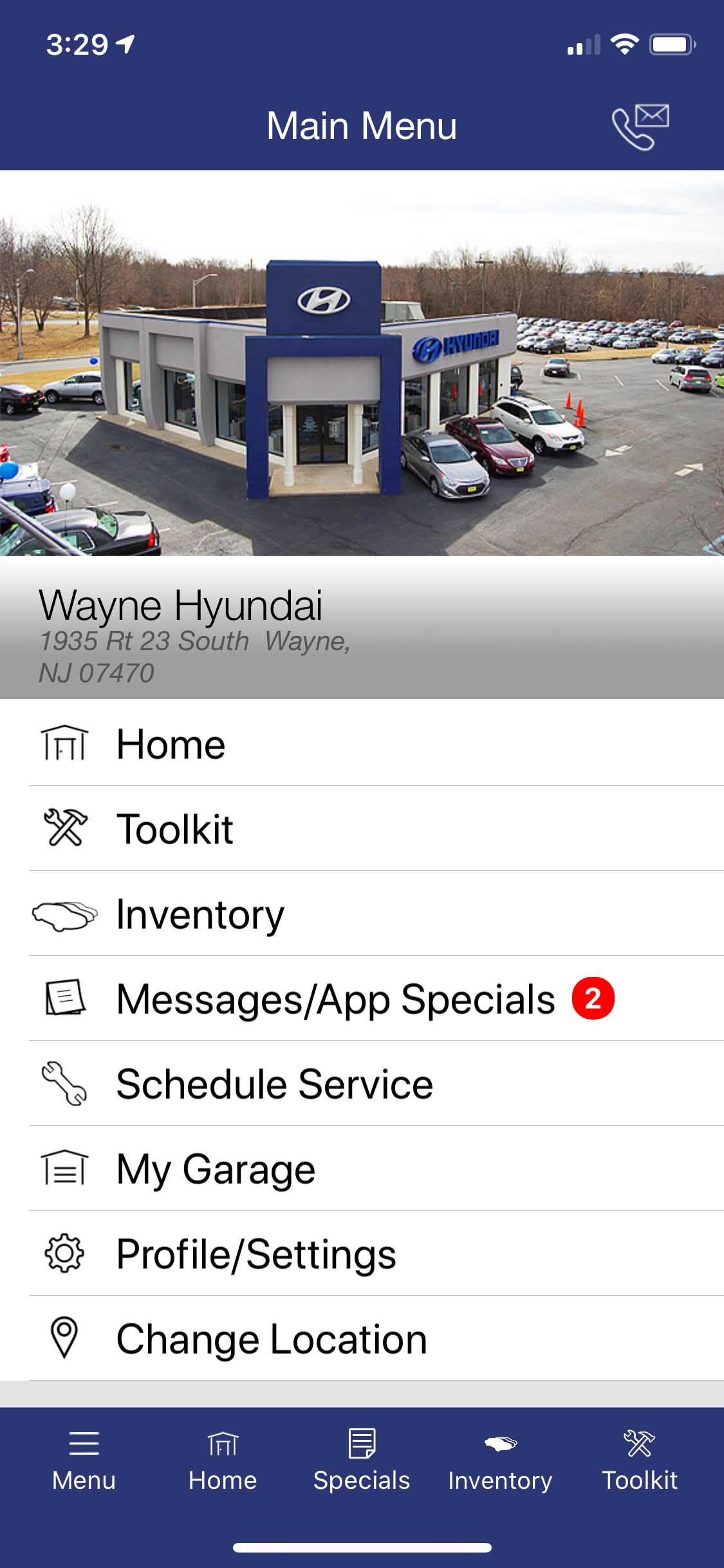
The home screen is the first screen your customer will see, it contains the ‘Toolkit’ (which we’ll get into in the next section), About Us, Social Media and any RSS feeds you may have, Manufacturer News and any other links that you think you’re customers would enjoy, including a way for them to ‘Follow’ you on Twitter or ‘Like’ you on Facebook.

This is also where your customer will be able to change to different locations if you have a dealer group.

Click on a thumbnail for a larger view and more info

About Us

This screen shows an image of your choosing (typically a professional shot of the dealer) and text describing your dealer or welcoming the customer.

About Us

This screen shows an image of your choosing (typically a professional shot of the dealer) and text describing your dealer or welcoming the customer.

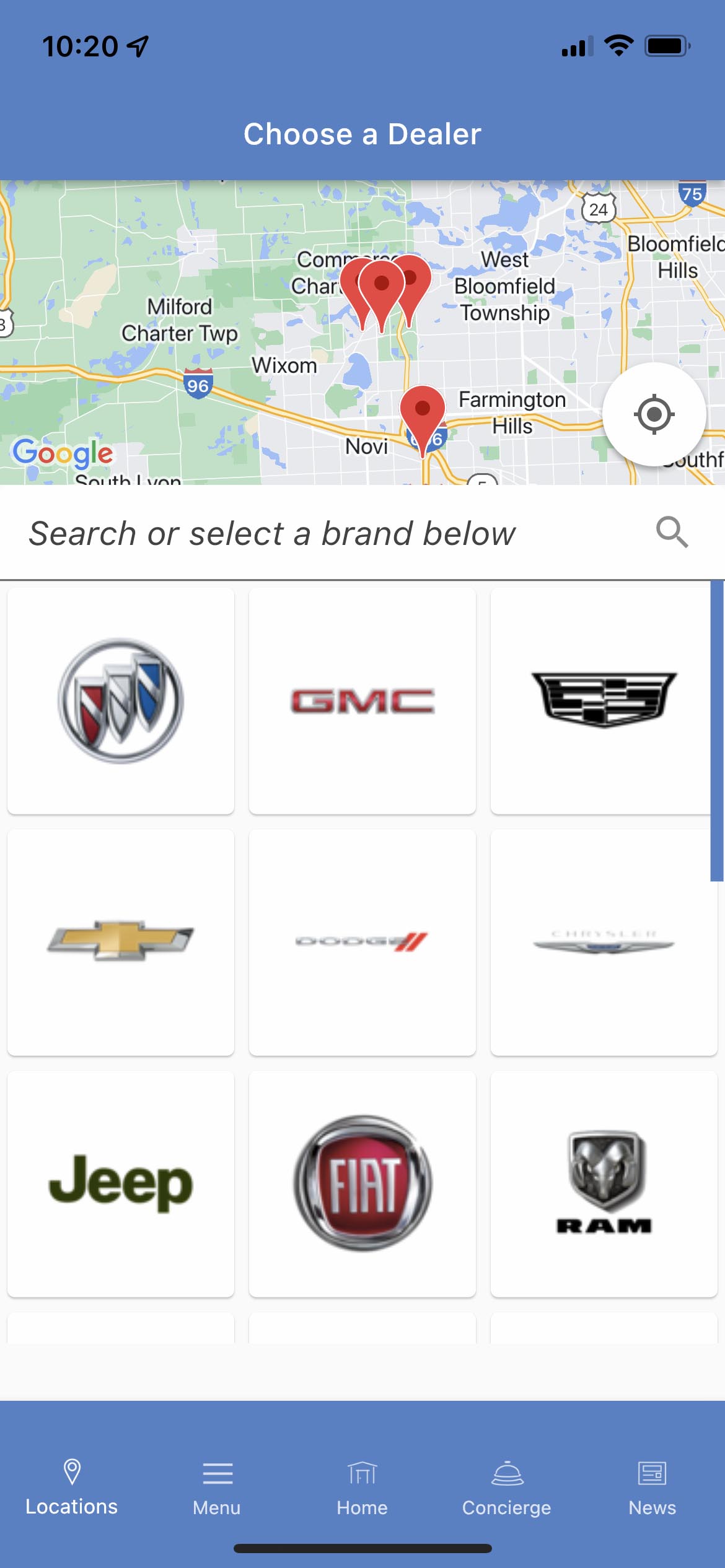
Choose a Location

This screen allows the user to choose a location if you have multiple locations in your dealer group.

Social Media

Here all your social media feeds are parsed into one easily readable list. Twitter, Facebook, YouTube, Flickr and any of your blogs that have an RSS feed.

Manufacturer News

Multiple news and media feeds are parsed here directly from the different manufacturers that your dealer is associated with.

Links

Add links to 'Follow' you on Twitter, or 'Like' your Facebook fan page. Add links to financial services and anything else you think your customers will enjoy.

Reading Screen

Click on an item any of your feeds and you'll be taken to this simple yet powerful reader. Fully equipped with all the sharing tools your customers need.

Like what you see?  Why not place an order now?

The ToolkitNext Feature: Inventory →

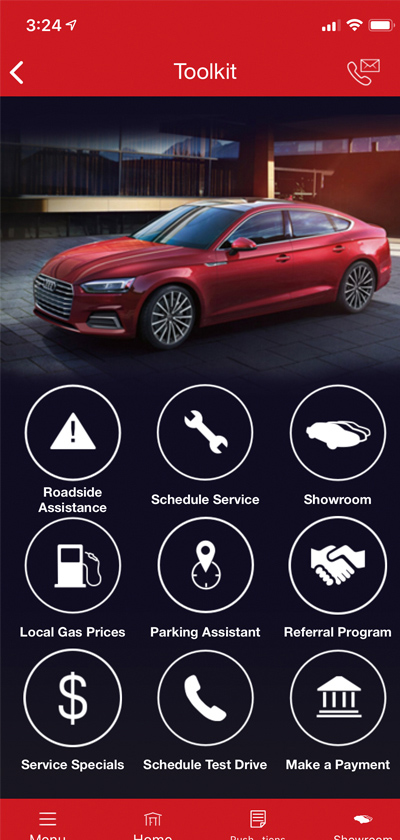
The Toolkit is purely for customer use and enjoyment. It contains many useful features that will keep your customer's engaged and coming back to your app. These "Tools" include: Roadside Assistance, One-Touch Service Scheduling, find local gas prices, the Parking Assistant with car finder and meter timer, and a flashlight that even utilized the iPhone 4 LED flash! All things that your customers would normally have to purchase separately.

We are also actively developer more feature rich "Tools" to be added here in future updates!

Click on a thumbnail for a larger view and more info

The Toolkit

This screen shows all the "Tools" in one place so the customer can easily access them in only a few touches.

The Toolkit

This screen shows all the "Tools" in one place so the customer can easily access them in only a few touches.

Roadside Assistance

This screen shows all the roadside assistance phone numbers for the manufacturer's associated with your dealership.

Schedule Service

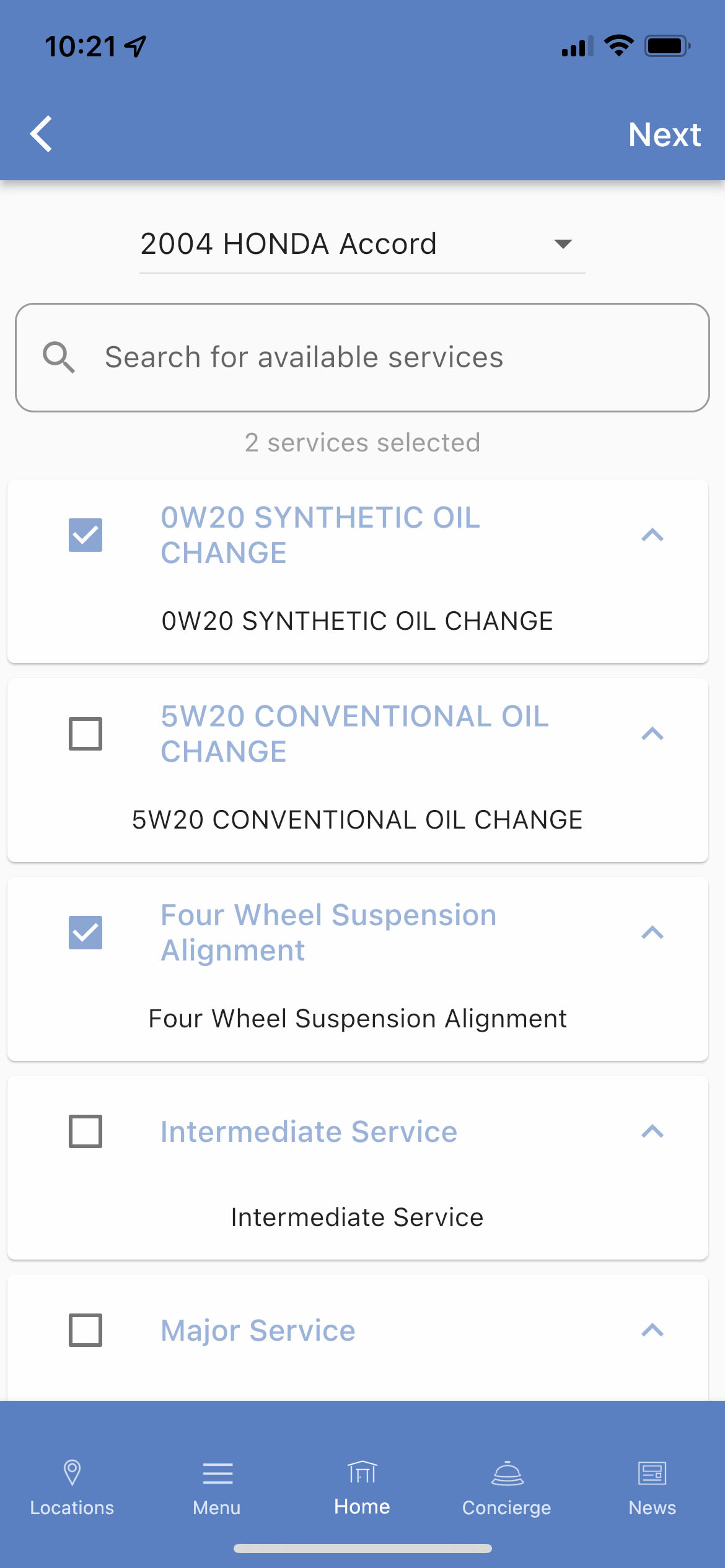
With a few touched your customers can easily schedule a service appointment. Their contact & vehicle info is saved for quick input later.

Local Gas Prices via MobileGasPrices.com

Your customers can find the cheapest gas prices based on their current location, showing them all the stations around and their prices.

Parking Assistant

This "Tool" can locate your customer's vehicle and get them back to it with ease. A meter timer with an alarm is also included to avoid parking tickets!

Settings Screen

Customers can manage their Twitter/Facebook logins as well as their Identities (profiles to save their personal info). The startup screen can also be set here.

Like what you see?  Why not place an order now?

Inventory

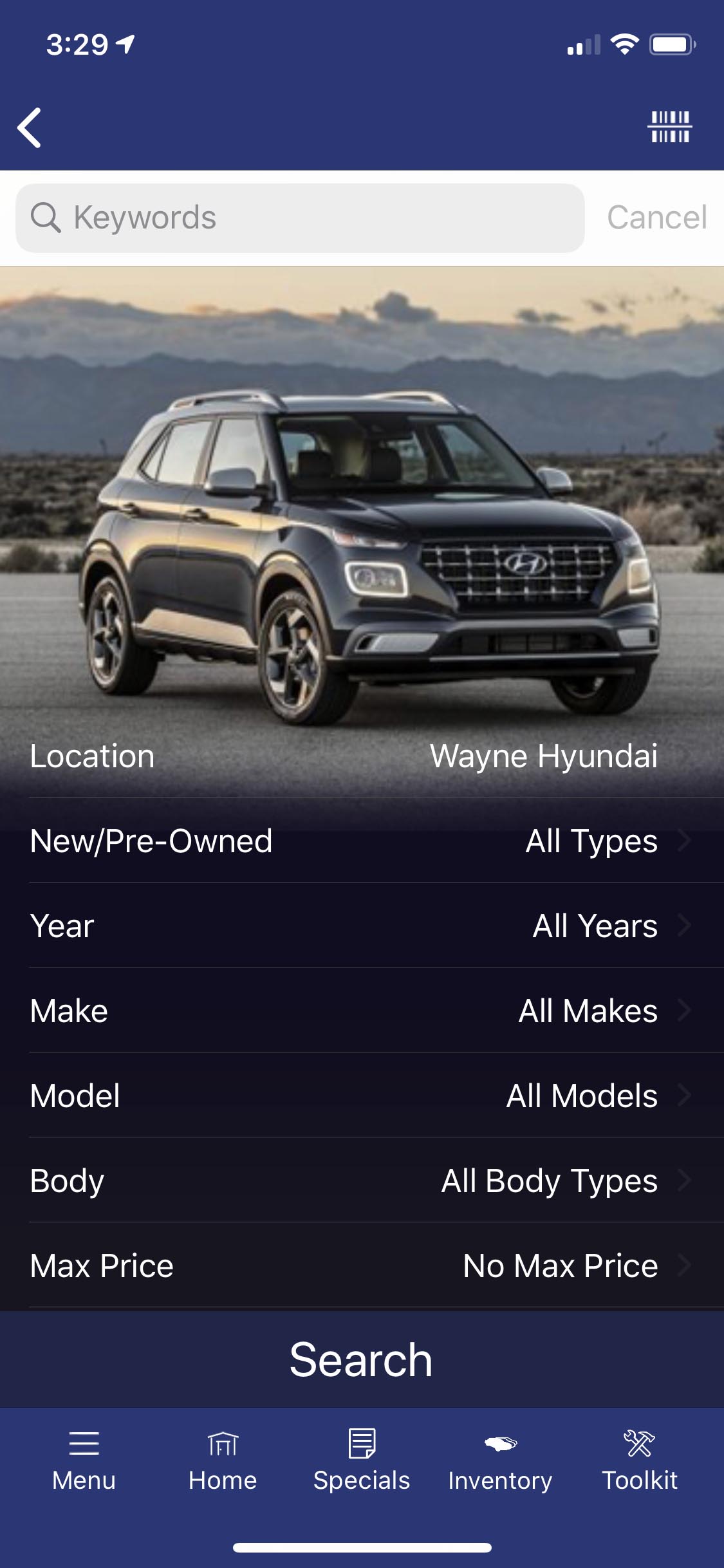
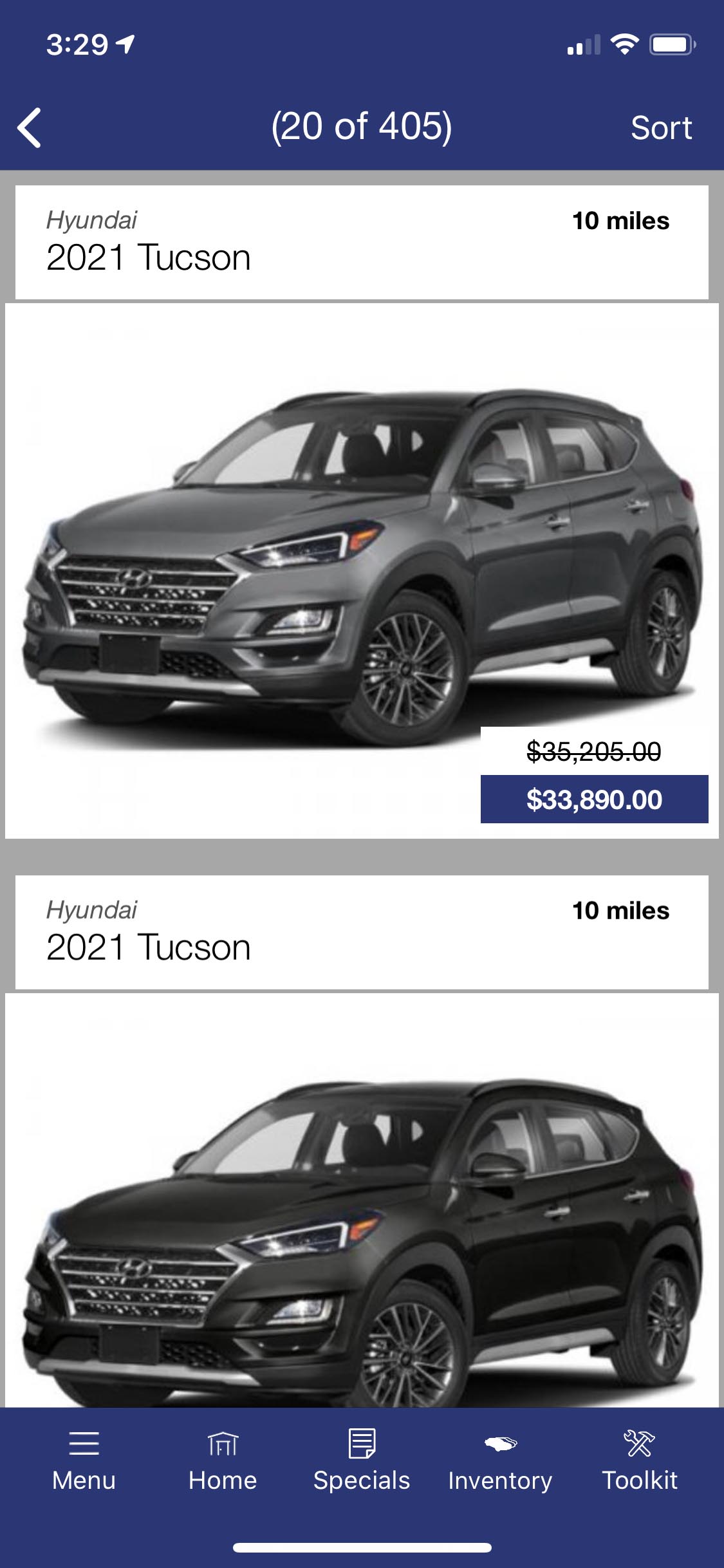
The inventory section is a beautiful way to showcase all the vehicles on your lot. Our 'SMART' search narrows down the search fields based on the previous selection, meaning it's almost impossible to get '0' search results! When they find a vehicle they like, they can easily save it as a 'Favorite', or request a quote that get's parsed directly into your CRM system!

We integrate directly with your inventory provider, so you know that your App will always be updated and accurate.

Click on a thumbnail for a larger view and more info

Inventory

Your customers can 'Browse' or 'Search' your entire inventory, even if their device is offline! (Note: Must be online on the first run)

Inventory

Your customers can 'Browse' or 'Search' your entire inventory, even if their device is offline! (Note: Must be online on the first run)

SMART Search

Our SMART Search ensures that your customers find what they are looking for based on what is actually on your lot, no more frustrated searches!

Favorites

Your customers can save and manage a list of the vehicles that they are interested in. At any time they can request more information or get a quote.

Vehicle Detail Screen

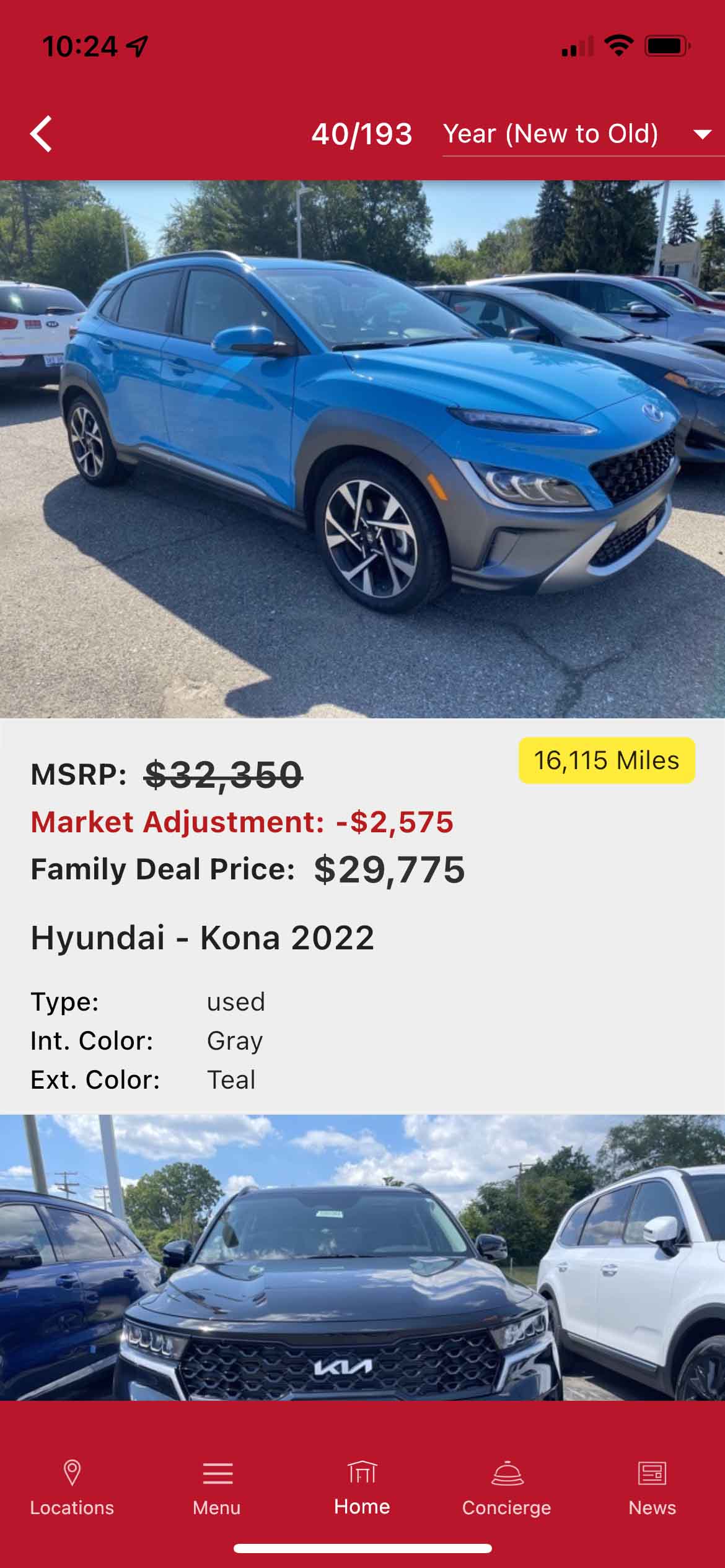
Display your vehicles in this beautiful and intuitive interface! View multiple ways to view photos including the incredible Cover Flow!

Vehicle Actions

All the major forms of communication are covered here. Including the ability to look up a Carfax® history report. Facebook and email sharing also available.

Photos

Multiple ways to showcase all the beautiful photos of your vehicles. Thumbnail mode, slideshow and even Cover Flow! (flip device to landscape)

Like what you see?  Why not place an order now?

Contact us to place an order now!

Fill out this form and we'll contact you ASAP...or call us directly at 1-877-531-APPS (2777)